
Name-Based Case Searches
The main online tool is Search ARCourts. It is free with no public login required. Pick Participants and type a first, middle, and last name, an organization, or a case description. A short, exact entry often beats a long guess. Official AOC guidance explains that one- and two-character entries match exactly, while three or more characters may match exactly or partially.
Go broad first, then narrow. A common name can pull cases from several courts at once. A shared name proves nothing on its own. Before opening a Lawrence County case, compare the full case number, the court, the filing date, the case type, the party role, and the status. District and Circuit entries can show up as separate sources for the same matter.
- Choose the participant search context.
- Enter the recorded name or distinctive organization words.
- Open Advanced Filters and choose a Lawrence court and case type when available.
- Review the result row before opening case detail.
- Save the full number, court, and filing date for any clerk inquiry.
| Field Label | Type | Required | Notes |
|---|---|---|---|
| Search by | Dropdown | Yes | Participants or Case |
| First, Middle, Last Name | Text | Conditional | Use the spelling in the court record |
| Organization or Case Description | Text | Conditional | Distinctive legal-name words help |
| Court and Case Type | Advanced filters | No | Narrow to the relevant Lawrence court |
| Date filters | Date | No | Use only when the likely period is known |
Lawrence County Docket Search Filters
Court level splits Lawrence County cases apart. Felonies, larger civil cases, domestic relations, probate, juvenile matters, and District Court appeals all belong to Circuit Court. District Court handles traffic citations, misdemeanors, ordinance cases, small claims, and lower-value civil matters. It also handles felony preliminary hearings. Pick the wrong level and the docket search comes back empty. That mistake trips up more people than any other.
Search ARCourts lets you filter by court. When the dynamic option appears, you can also filter by case type. Result columns can be sorted and resized. The default view shows 25 rows, with 50-row and 100-row options plus arrow pagination. These tools tame a broad name search. Still, dropping filters is wise if they seem to hide a likely case.
Case Number Searches
Nothing beats a complete case number as a search key. Arkansas Circuit numbers usually pack in the year, the court or county, the type, and the sequence. The Lawrence civil format is 38CV-YY-sequence. Common type markers are CR for criminal, CV for civil, DR for domestic relations, PR for probate, and JV for juvenile. Whatever the court itself printed controls, punctuation included.
Choose Case instead of Participants and type the number exactly. Never rebuild missing digits from memory. A District preliminary case and the later Circuit felony prosecution can carry different numbers, and an appeal or transfer can spawn a related entry too. When one docket points to a new number, search both. Note which court holds each file.
Lawrence County Docket Search Checks
An empty Lawrence County docket search has several common causes. It could be a spelling variant. It could be a filter set too narrow. The wrong court, a fresh ticket not yet keyed in, an older file beyond online coverage, or a record closed off by law round out the list. Clear the filters and try the case number instead. Then ask whether the case actually sits in District Court rather than Circuit. A case missing online might still exist in paper at the clerk's office, and absence from the portal proves neither that it never existed nor that it was sealed.
Fallback: Call the Circuit Clerk at 870-886-1112 for Circuit matters or the District Court Clerk at 870-886-1140 for traffic, misdemeanor, ordinance, small-claims, and other District matters.
For older files, ask the clerk about archives directly. Lawrence Circuit moved onto Contexte on June 9, 2014, so earlier records live elsewhere. Find out whether a missing file is paper, scanned, microfilmed, or stored offsite, and whether retrieval takes extra time or carries a search fee that has not yet been published.
Case Search Results Explained
A Lawrence County case result opens with a case header and then unfolds into participants, the judge, filings or events, future events, dispositions or judgments, and any document links. The chronological list is docket information. It is not automatically the whole court file. A Documents link may open a public filing, yet a blank or "None" cell does not mean the clerk's official record lacks that filing.
| Case Number | Identifies the court file and the clerk that keeps it. |
|---|---|
| Participants | Lists people or organizations with roles such as plaintiff, defendant, petitioner, attorney, or judge. |
| Case Type and Status | Shows the category and current portal status without replacing the underlying order. |
| Events and Filings | Provides dated activity, motions, notices, orders, and other entries. |
| Future Events | Lists upcoming settings where entered; confirm late changes with the court. |
| Documents | Links selected public images, not every filed item. |
Read related fields as a set. A status label alone will not explain the signed ruling, and an old event date can linger after a reset. The full chronology plus the newest order gives the sounder picture of a Lawrence County case.
Lawrence County Docket Filing Systems
The Arkansas Judiciary eFlex portal illustrates a key distinction in Lawrence County docket searching.
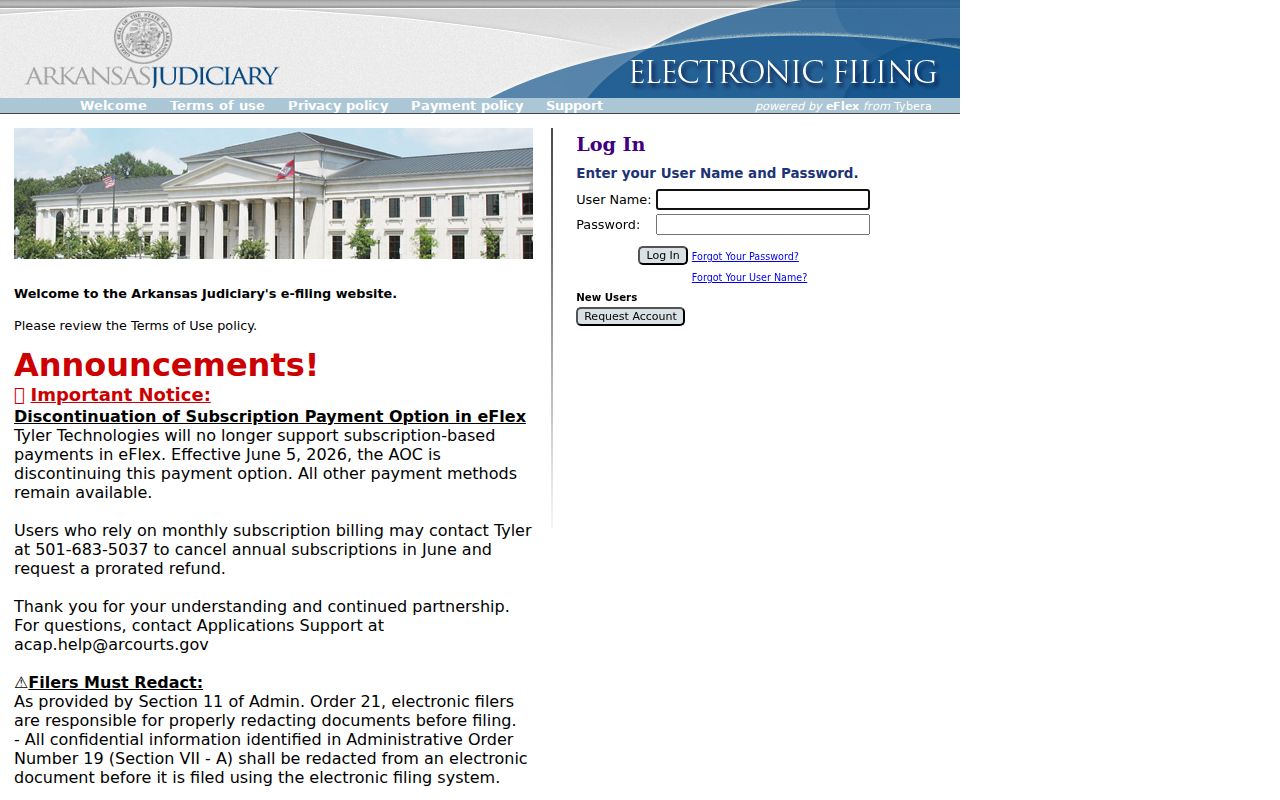
eFlex is the account-based channel lawyers use to file documents. It feeds the AOC Contexte case-management system. It is not the public docket search. Members of the public read available case information through Search ARCourts and request official copies from the clerk.
Search ARCourts replaced Public CourtConnect after a soft launch in January 2024. The new portal added a mobile-friendly interface and advanced filters. The watermark on a printed case page still warns that the display is not an official court record, and that warning matters whenever a certified judgment, disposition, or filing is required.
Two Ways to Search: County and State
Lawrence County publishes no county-only case database of its own. Instead, two layers serve searchers. Search ARCourts is the statewide public system for courts on Contexte, and the local clerk offices are the county-level source. All Circuit Courts supply statistical information, and most offer broader Contexte data. Only some District Courts provide case information. The depth of the statewide portal varies by court.
| Search ARCourts | Lawrence Clerk Channel |
|---|---|
| Free public information for participating courts | Official local file and certified-copy source |
| Name, organization, or case-number search | Phone, counter, fax, and mail inquiry |
| Some public document links | Named filings that are absent online |
| District coverage may be limited | Correct fallback for local District records |
Treat the two layers as a sequence, not rival databases. Search ARCourts helps you identify the file. The clerk then confirms the official record, supplies any document the portal omits, and explains whether an older case needs archive retrieval.
Lawrence County Search Portal Support
Two kinds of help exist, and they go to different desks. For portal trouble, Search ARCourts support answers at 501-410-1900 option 1 or 866-823-5778. Portal feedback can go to acap.help@arcourts.gov. Those staff can walk you through the screens. They cannot decide a case, edit a docket entry, certify a copy, or confirm facts that only the filing court knows.
One quirk trips up Apple users. The browser may block a document window until popups are allowed. Check the popup setting first. If the link still fails, write down the filing date and the exact document description. Ask the right Lawrence County clerk for the item.
Note: Portal support handles system use only; questions about a specific Lawrence County file belong to the Lawrence County clerk.
Which Cases Stay Restricted
Not every record is open. Arkansas Supreme Court Administrative Order No. 19 sets the access rules. It governs public and remote access to court records. Juvenile files are generally confidential under Ark. Code Ann. § 9-27-309. Adoptions, sealed criminal records, protected family content, and personal identifiers can be withheld. Court-sealed filings can also be pared back. A public case shell can stay visible even when one document inside it is closed.
Getting restricted access means going through the court and clerk process as an authorized person. Staff will not reveal protected contents just because a caller has a name. A record that once showed up can later vanish. That can mean a correction, a portal change, or a legal restriction. No outcome follows from search visibility alone.
Lawrence County Search to Certified Records
For certified copies, start with the Circuit Clerk. That office holds the official Lawrence County Circuit Court files: criminal, civil, domestic-relations, probate, and juvenile. It sits at 315 West Main Street, Room 7, Walnut Ridge, AR 72476, takes calls at 870-886-1112, and receives mail at PO Box 581. When you write, give the court, the full case number, the document name and date, the number of copies, and whether you need certification. The office sets its own copy charges. Ask directly for the current price and request form.
District records belong to the consolidated District Court clerk at 111 West Main Street, Walnut Ridge, 870-886-1140. A citation matter may also point you to Lawrence County traffic court channels. Staff there can quote costs and accepted payment methods. A Search ARCourts printout, by contrast, stays informational.
Lawrence County Federal Case Searches
State and federal docket systems never merge. A Lawrence County matter filed in the U.S. District Court for the Eastern District of Arkansas lives in federal PACER and CM/ECF, not Search ARCourts. The PACER gateway is the official entrance to that federal docket search.
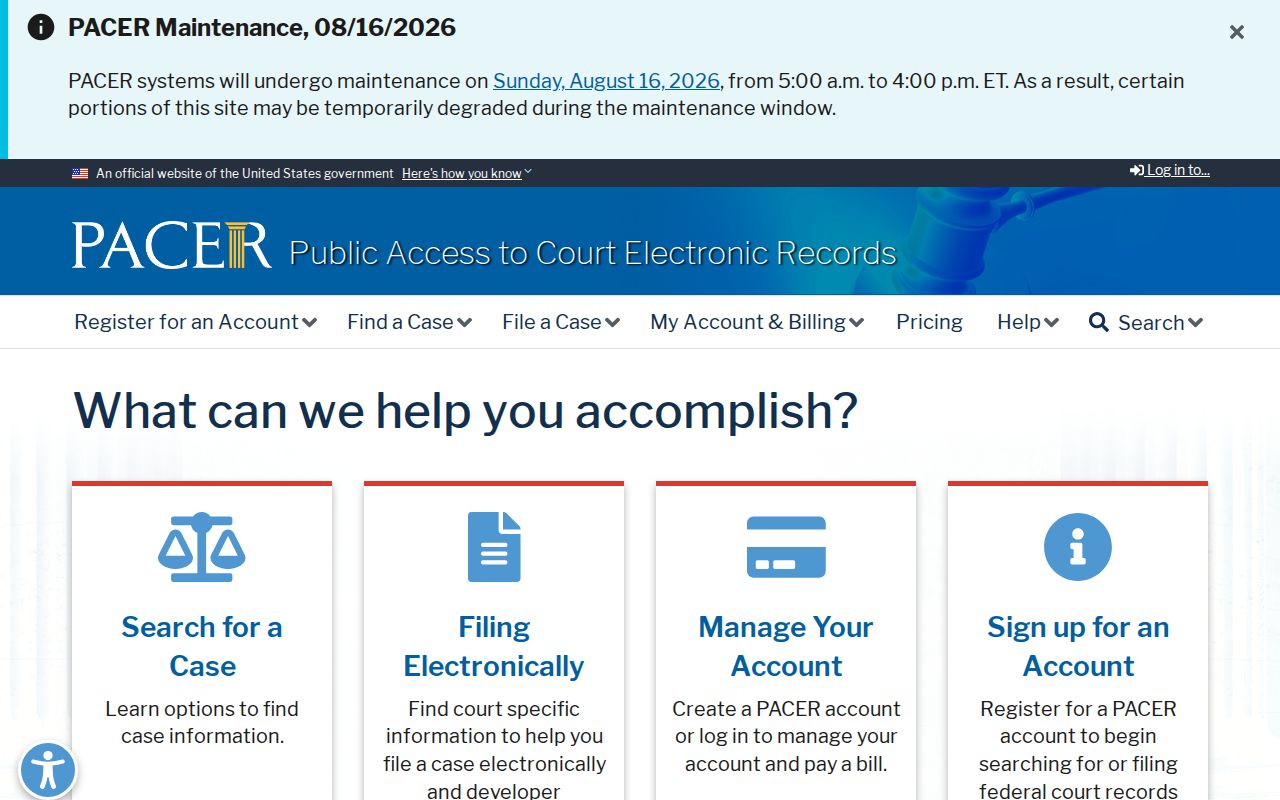
Once registered, PACER returns federal docket sheets and documents under its current fee rules. The Eastern District CM/ECF gateway opens that district's filing and docket environment.
That whole federal system sits apart from the Lawrence Circuit and District clerks. For a free alternative, CourtListener's RECAP archive searches federal documents that users have already contributed.
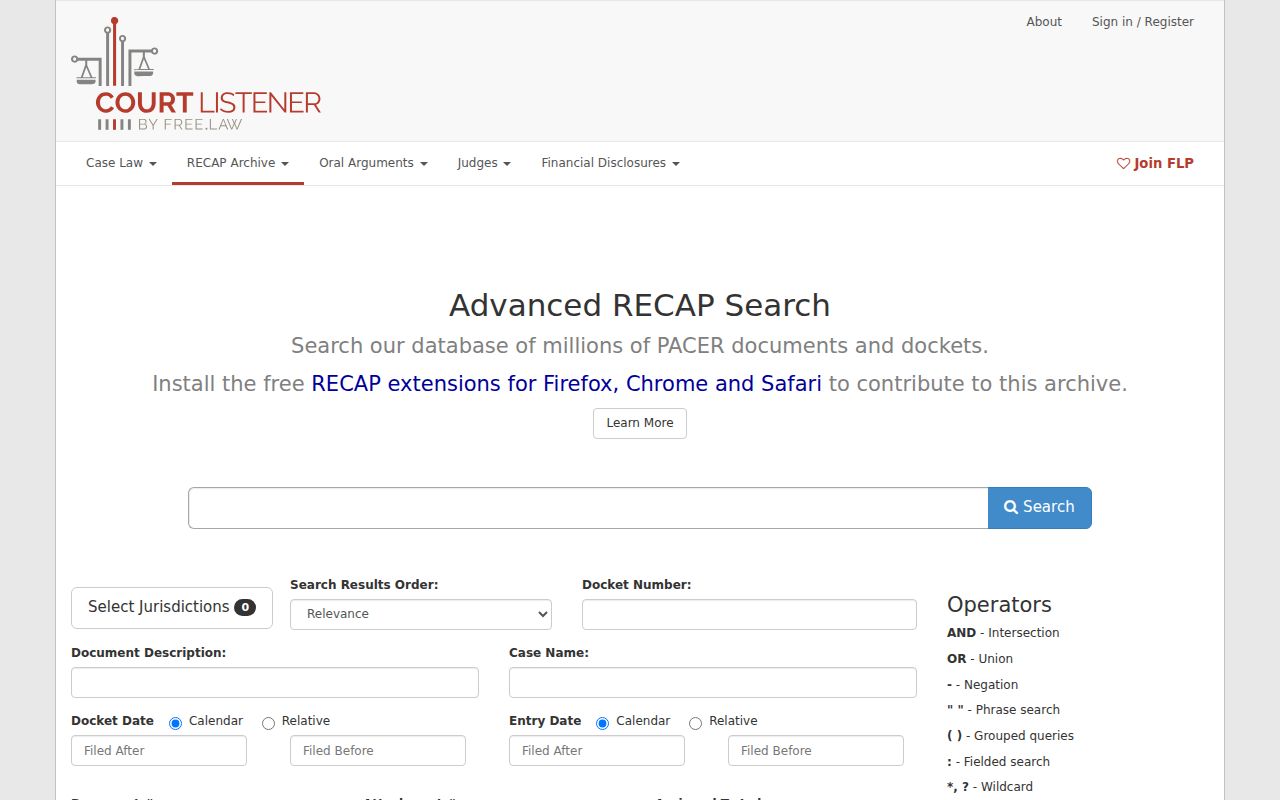
RECAP can save money when the federal item you need is already archived. It is not complete, though, and it is not the official federal record.
Lawrence County Docket Search Timeline
A good Lawrence County docket search ends with verification. Start by identifying the court. Then find the case and read its entries in order. Check Future Events against the newest notice or order, and write down the full case number plus the title and date of any filing you need. Call the proper clerk when the portal lacks an image. Do the same when a hearing is close. Call too if you need an authenticated copy.
The sequence is simple: Court level → Name or number search → Filters → Result check → Docket detail → Clerk verification. It keeps a statewide informational display in its proper role while preserving direct access to the Lawrence County court record.
Lawrence County Case Search Paths
Different records lead down different Lawrence County search paths. Search ARCourts is the public starting point for state courts. The Circuit Clerk issues official Circuit documents. The District Court clerk, by contrast, keeps limited-jurisdiction files. Those may show thinner online coverage. MyFinePayment handles county-linked citations. Federal cases run through PACER and the Eastern District CM/ECF system. Which path to pick depends on the court named on the citation, summons, pleading, or notice, not just the party's Lawrence County address.
Still unsure which court? Start with the type of matter and call the likely clerk. That one routing step pays off. It keeps a statewide search result from being mistaken for the full local record.